
25 Cute Pixel Cat Phone Wallpapers
If you love tiny, chunky, retro-style art, cute pixel cat phone wallpapers are one of the easiest ways to make your phone feel more personal. Pixel cats are simple, friendly and instantly recognizable, and they look great on both a lock screen and a home screen. Whether you want something soft and pastel, cozy and seasonal, or dark and moody, there is a pixel cat for every mood.
In this collection you will find 25 adorable designs grouped by theme: cute and cozy, seasons, holidays, hobbies and dark aesthetics. You will also learn how to download and set them on iPhone and Android, how to keep the pixels sharp, and how to choose a wallpaper that works with your widgets and icons.
Quick answer
Every wallpaper in this collection is made at 1080×1920 px (9:16), which fits most iPhones and Android phones. The cat sits in the lower-middle part of the image, and the top third is left empty so your lock screen clock never covers it. Download the original file, do not resize it, and set it from your gallery to keep the pixels crisp.
Why Pixel Cats Make Great Phone Wallpapers
Pixel art has a special kind of charm. Because every shape is built from small squares, even a very simple cat feels full of personality, and a few well-chosen pixels can show a sleepy face, a happy tail or a tiny blush on the cheek. This is why pixel art phone wallpapers have become so popular with people who like aesthetic, nostalgic or cozy styles.
There is also a practical reason. Pixel art uses flat colors and clear shapes, so it stays readable behind app icons and widgets. A busy photo can make icons hard to see, but a pixel cat on a plain, soft background keeps your screen tidy while still adding a smile every time you unlock your phone.
How These Wallpapers Are Designed
Each design follows the same simple layout so it works on almost any screen. The cat or main scene sits in the lower-middle area of the image, the top 30% is kept clear for the clock and notifications, and the bottom edge stays free of important details so the dock and gesture bar do not hide anything.
Newer phones have a slightly taller screen than 9:16, so a tiny strip may be cropped from the top and bottom. Because the key elements are centered and the background is a solid color, this crop is almost never noticeable. The result is a set of wallpapers that look balanced whether you use an older iPhone, a recent Android phone or a tablet in portrait mode.
Cute and Cozy Pixel Cat Wallpapers
These six designs are soft, light and made for people who like a gentle, kawaii look. They are perfect for everyday use and pair nicely with pastel icon packs.
1. Sleepy Loaf Cat
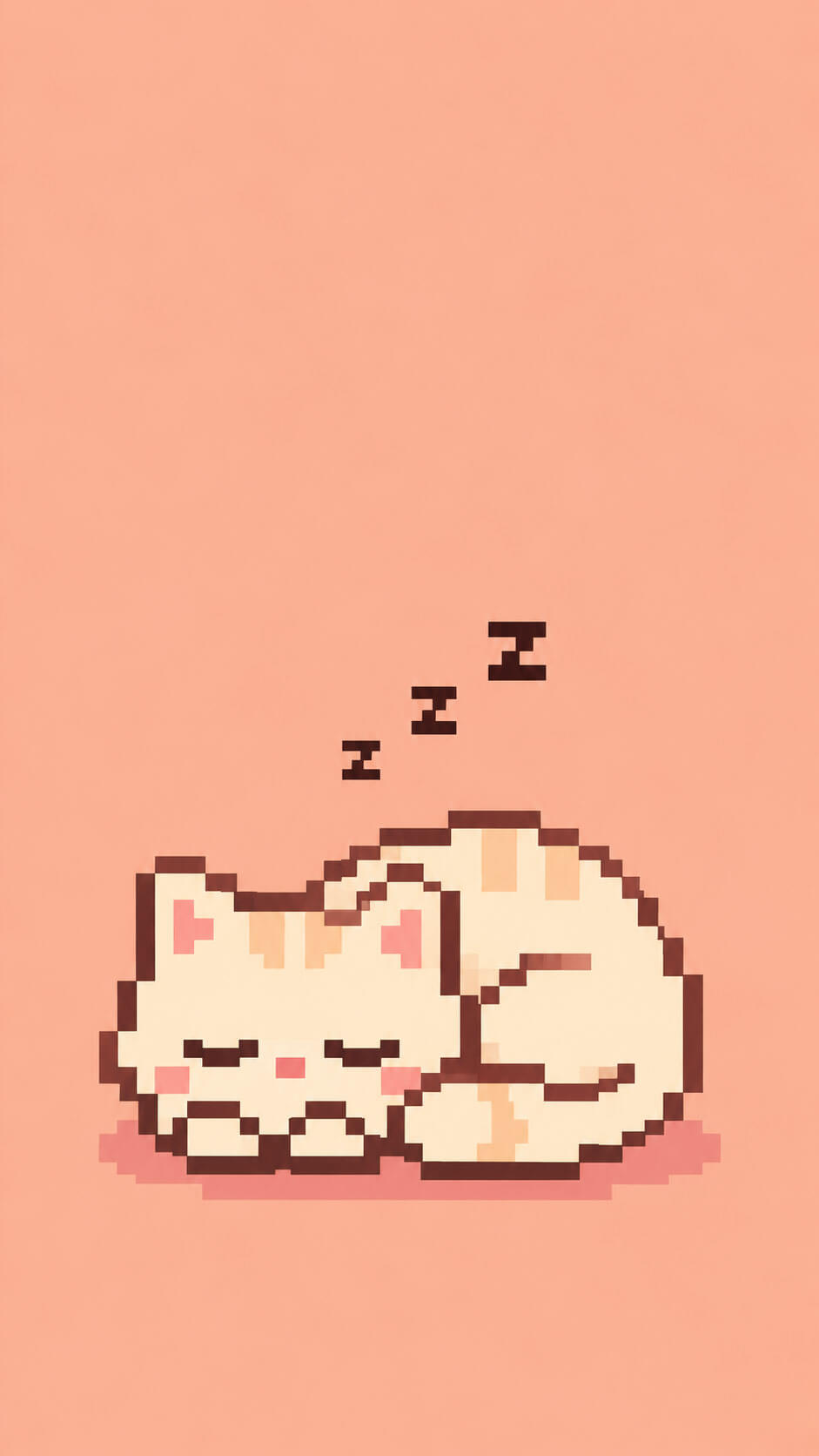
A cream-colored cat curled into a loaf shape with tiny “z” bubbles floating above, set on a soft peach background. It is the calmest wallpaper in the collection and a great pick if you want a peaceful lock screen.
2. Coffee Paws Kitty
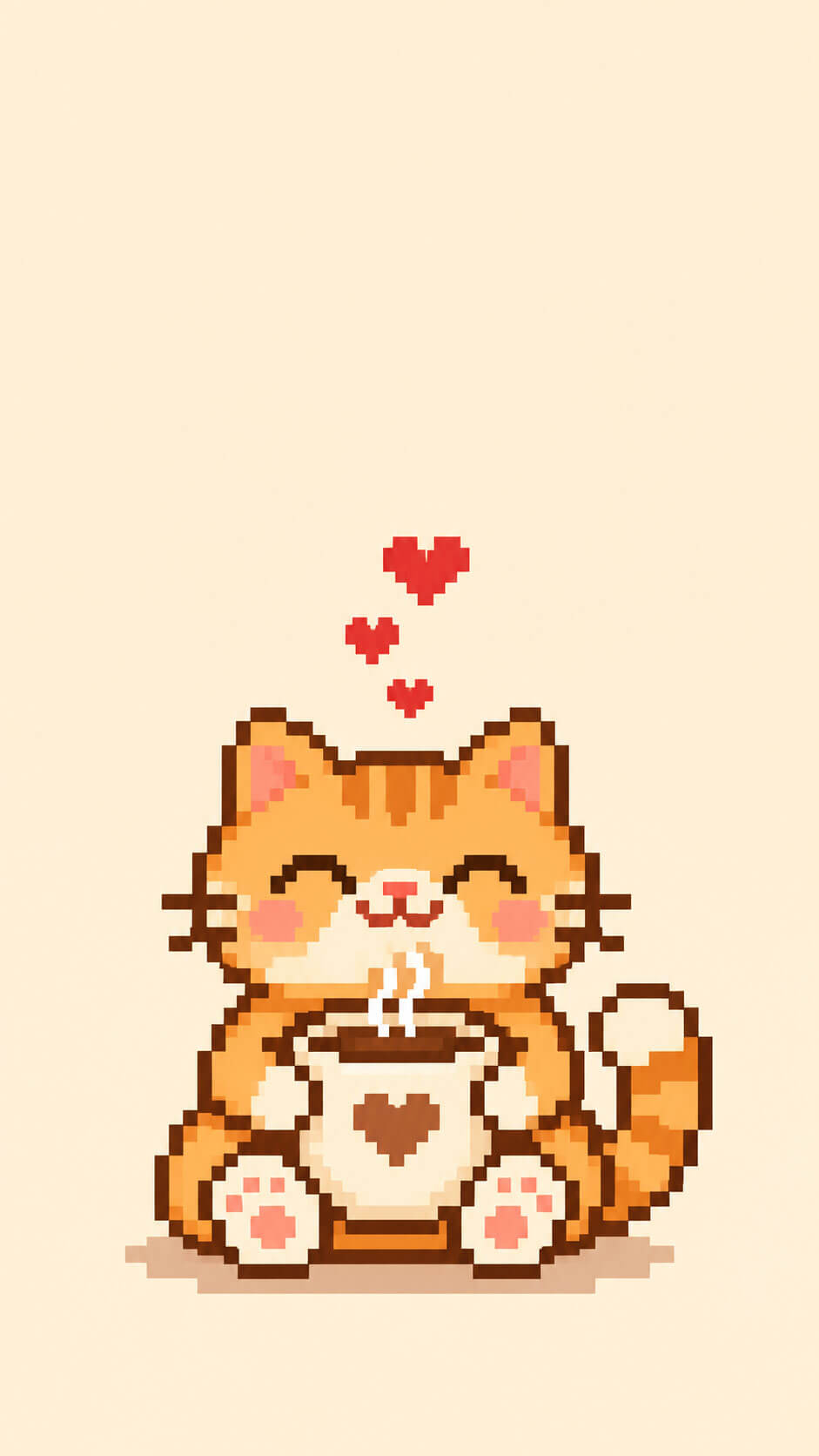
An orange tabby holds a big steaming coffee cup with both paws while small hearts rise from the cup. The warm cream background makes it a favorite for morning people and coffee lovers.
3. Heart Tail Duo
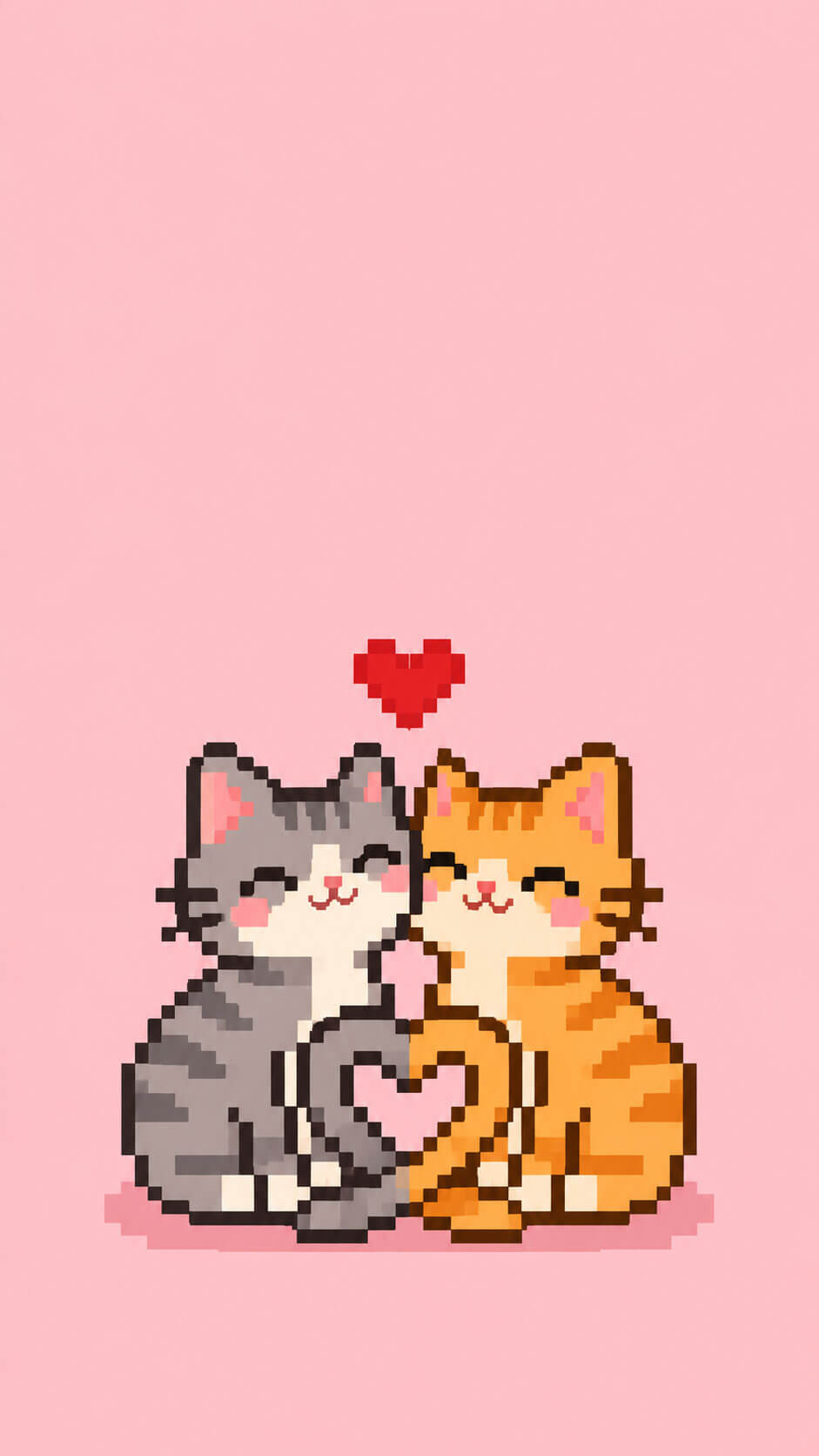
A gray cat and a ginger cat sit side by side with their tails forming a heart on a pastel pink background. This one works beautifully as a matching wallpaper for two people.
4. Bow Kitten
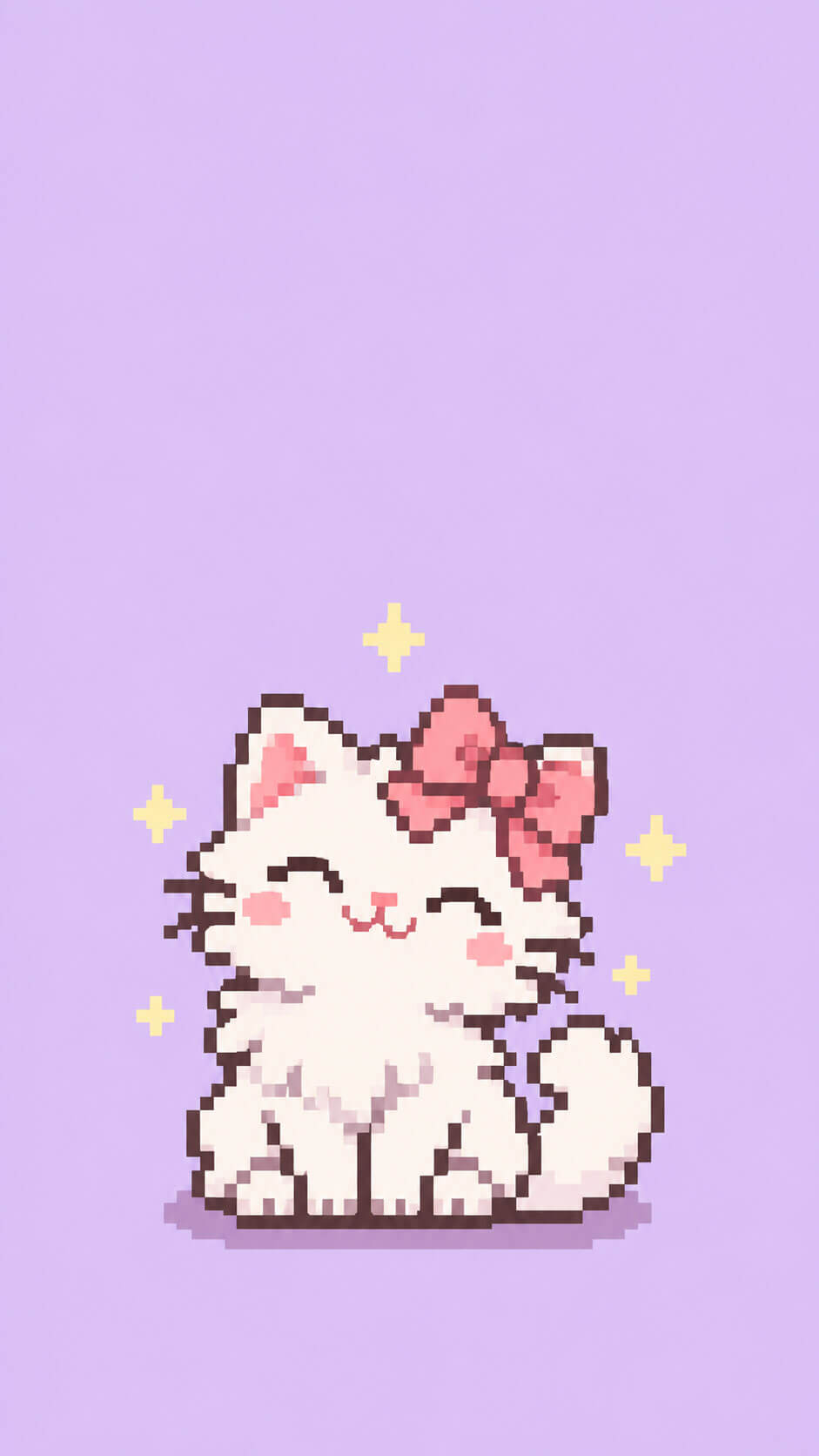
A fluffy white kitten wears a pink bow, surrounded by tiny sparkles on a light lavender background. It is sweet, dreamy and ideal for a very soft aesthetic.
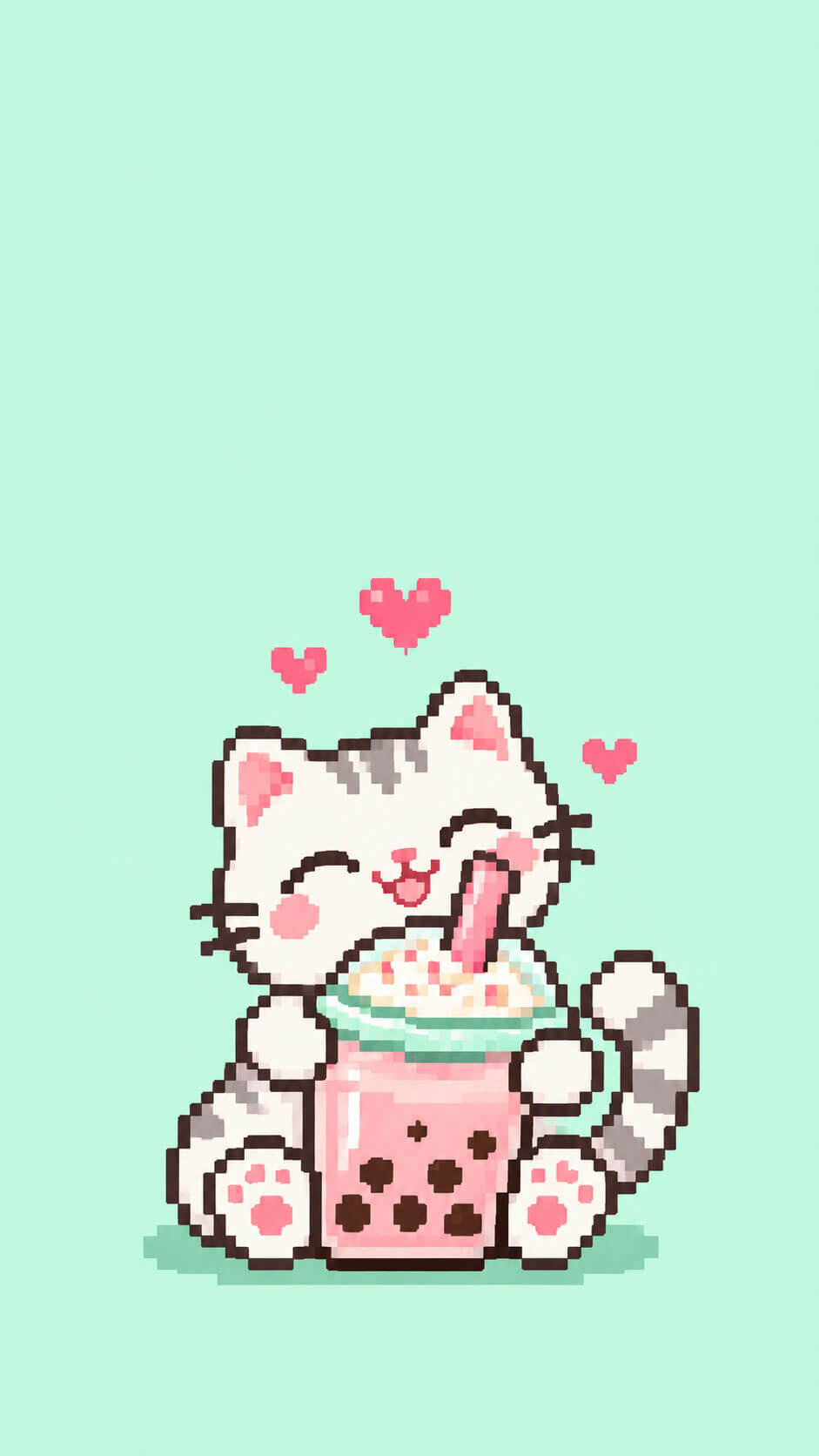
5. Boba Cat
A cat hugs a boba tea cup that is bigger than its head, in a fresh mint green and pastel pink palette. If you love bubble tea, this design will feel like home.
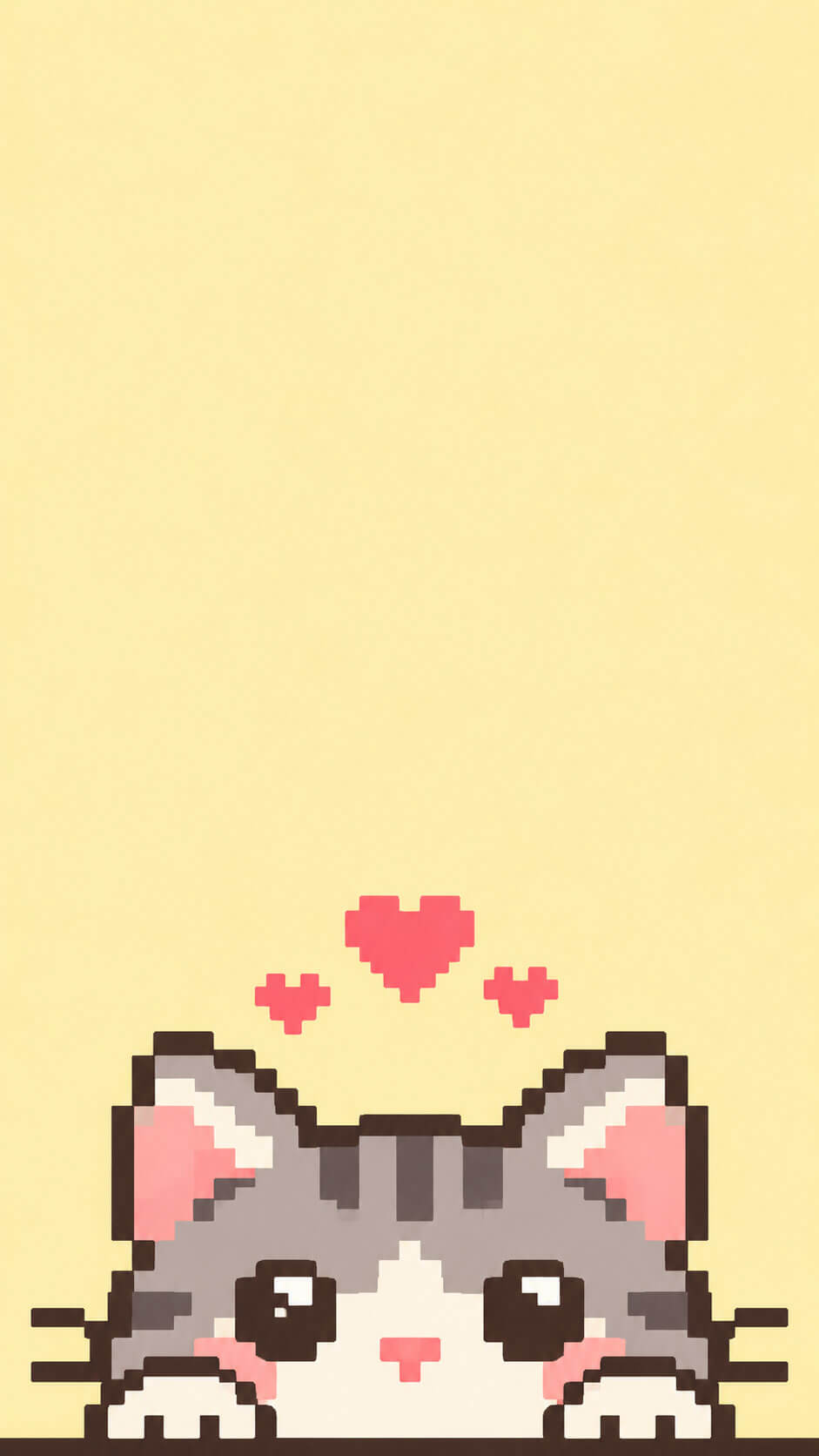
6. Peekaboo Cat
Only the eyes, ears and two paws appear at the bottom edge of the screen, as if the cat is peeking up at you from behind your dock. The butter-yellow background keeps it bright and playful.
Seasonal Pixel Cat Wallpapers
Changing your wallpaper with the seasons is a small habit that makes your phone feel fresh. These five designs match the mood of each time of year.
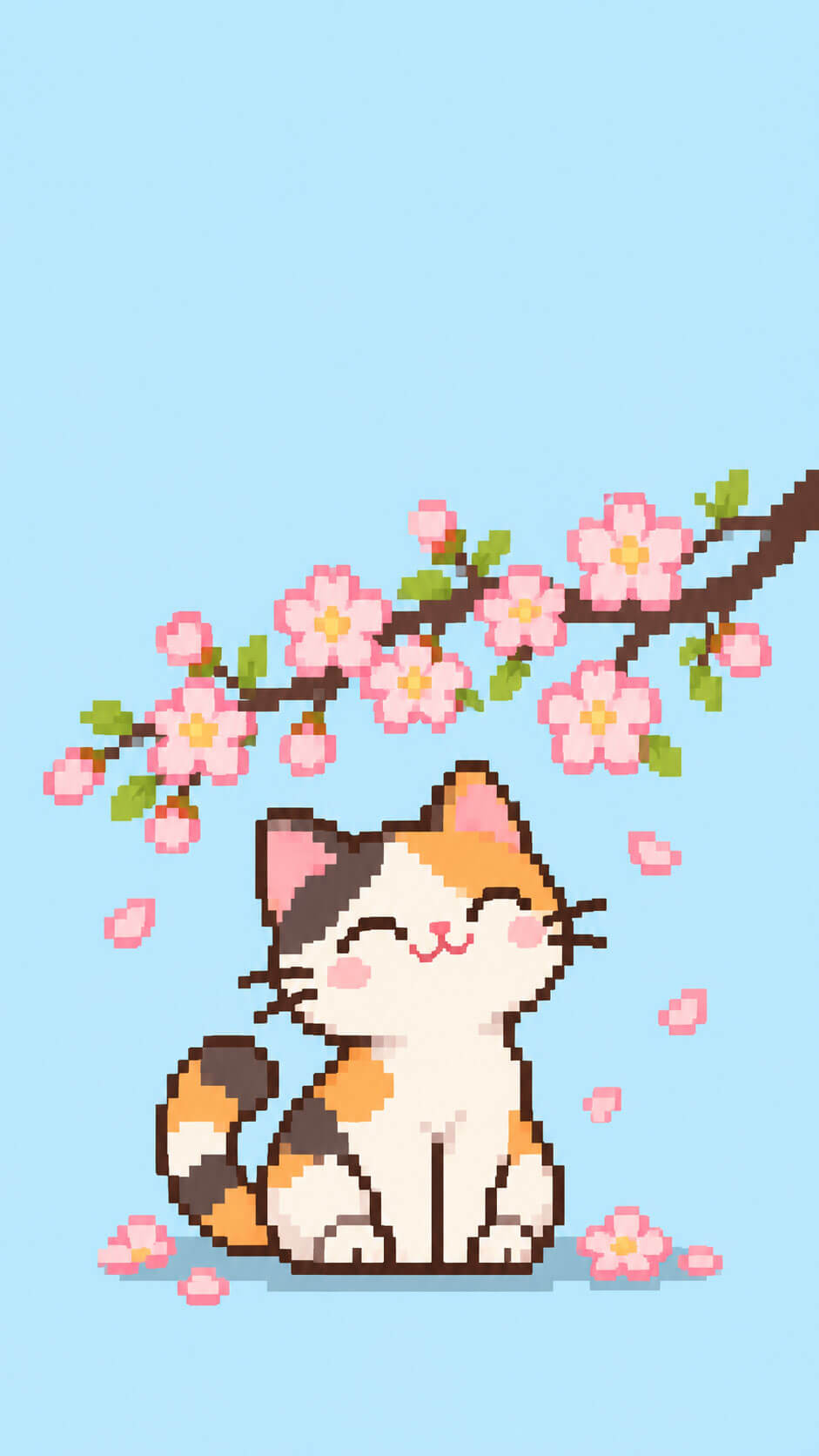
7. Cherry Blossom Cat
A calico cat sits under a blooming branch while pink petals drift down against a soft sky-blue background. It is the perfect welcome to spring.
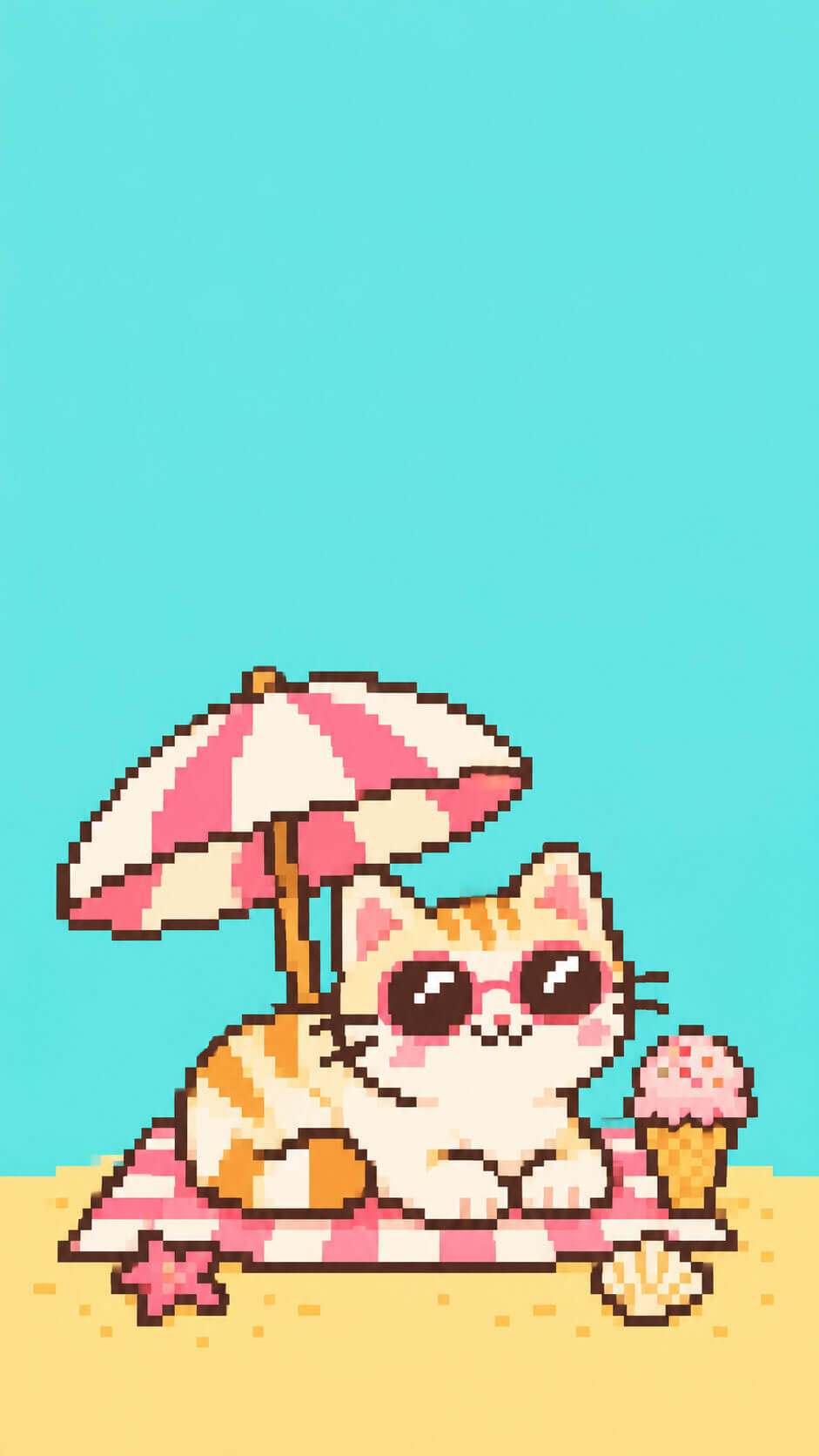
8. Beach Day Cat
A cat in round sunglasses relaxes on a tiny towel with a little umbrella and an ice cream nearby. The turquoise and sand-yellow colors bring instant summer energy.
9. Autumn Leaves Cat
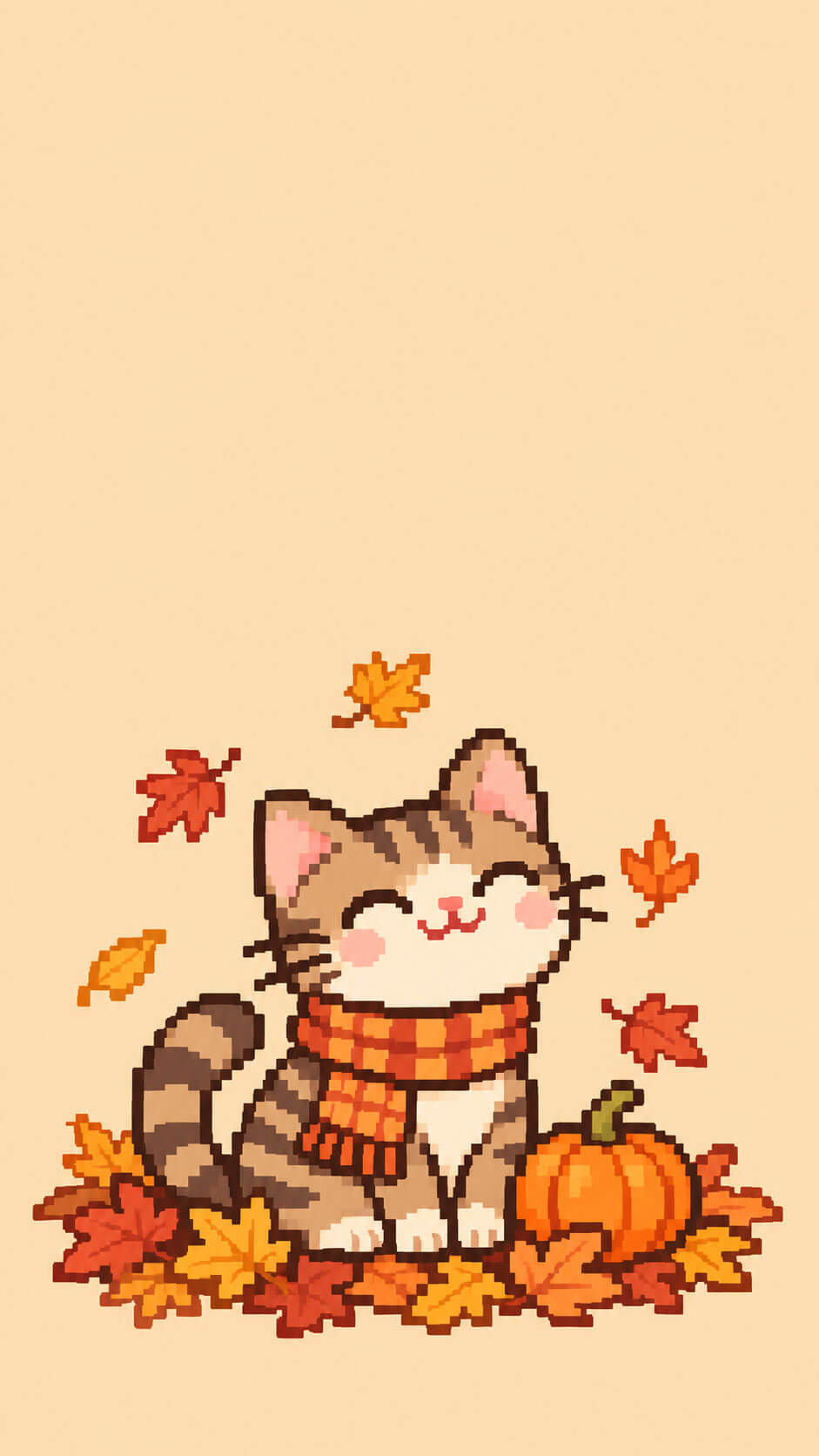
A tabby sits in a pile of fallen leaves next to a small pumpkin, in warm orange, brown and mustard tones on a beige background. It looks especially cozy on a fall-themed home screen.
10. Snowy Scarf Cat
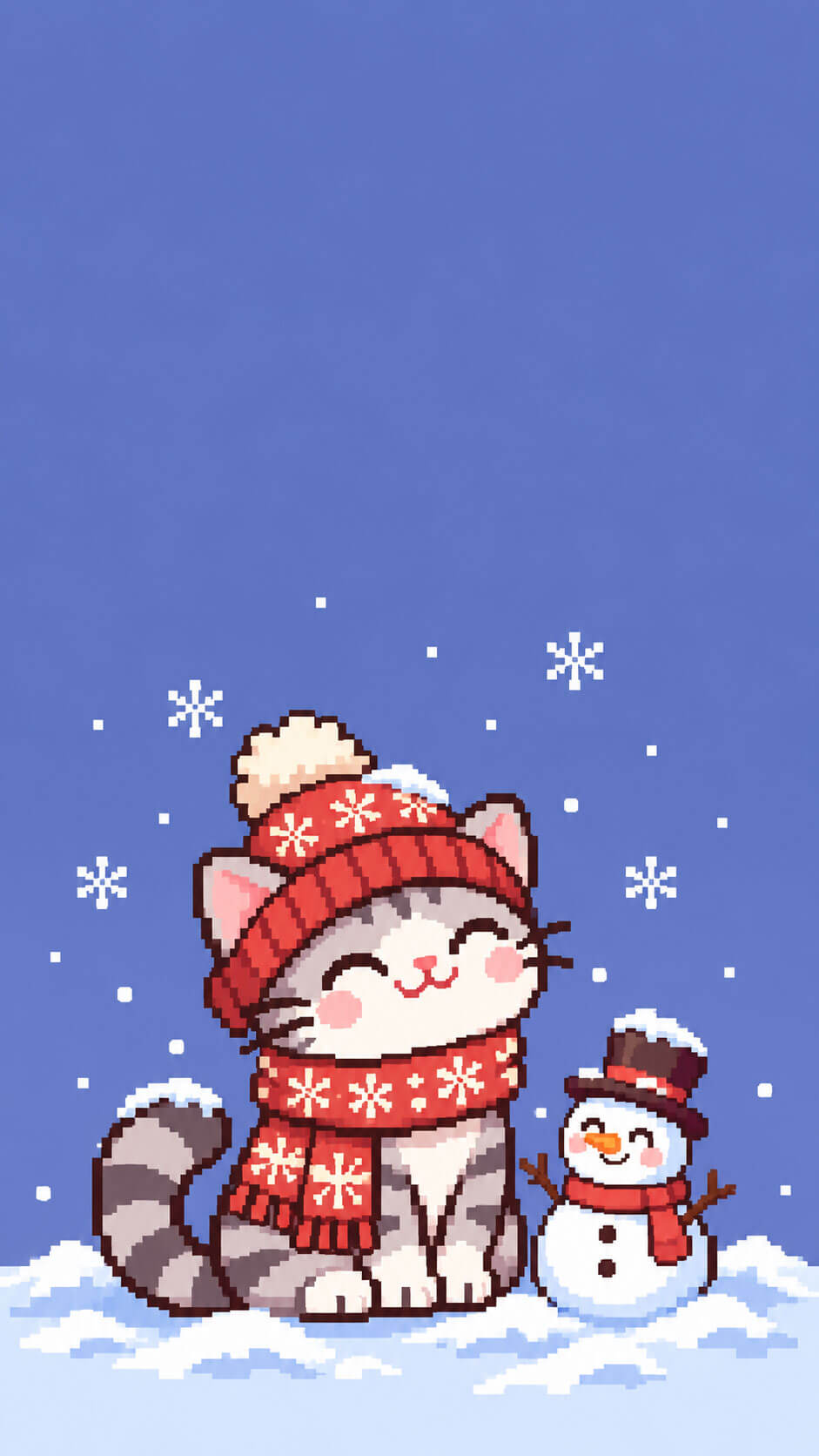
A cat in a knitted scarf and beanie watches snowflakes fall beside a small snowman, with a twilight winter sky behind. The cold blues and whites feel peaceful and crisp.
11. Rainy Day Cat
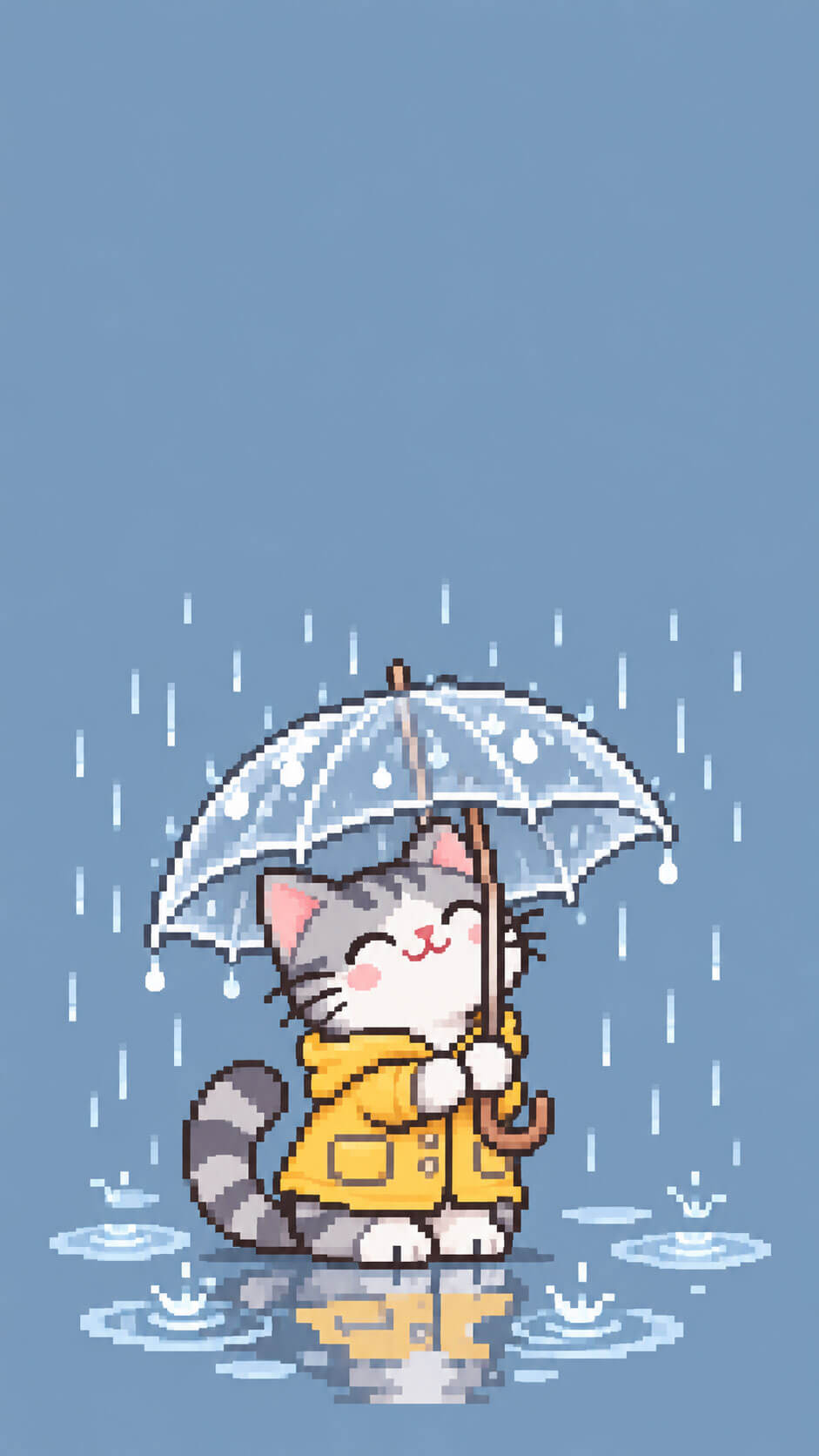
A cat holds a transparent umbrella while small puddles reflect its shape in a calm blue-gray palette. It is a lovely choice for people who enjoy quiet, rainy days.
Holiday Pixel Cat Wallpapers
Holiday wallpapers are some of the most searched designs of the year, so it is worth setting them a few weeks early. These five cover the biggest celebrations.
12. Halloween Black Cat
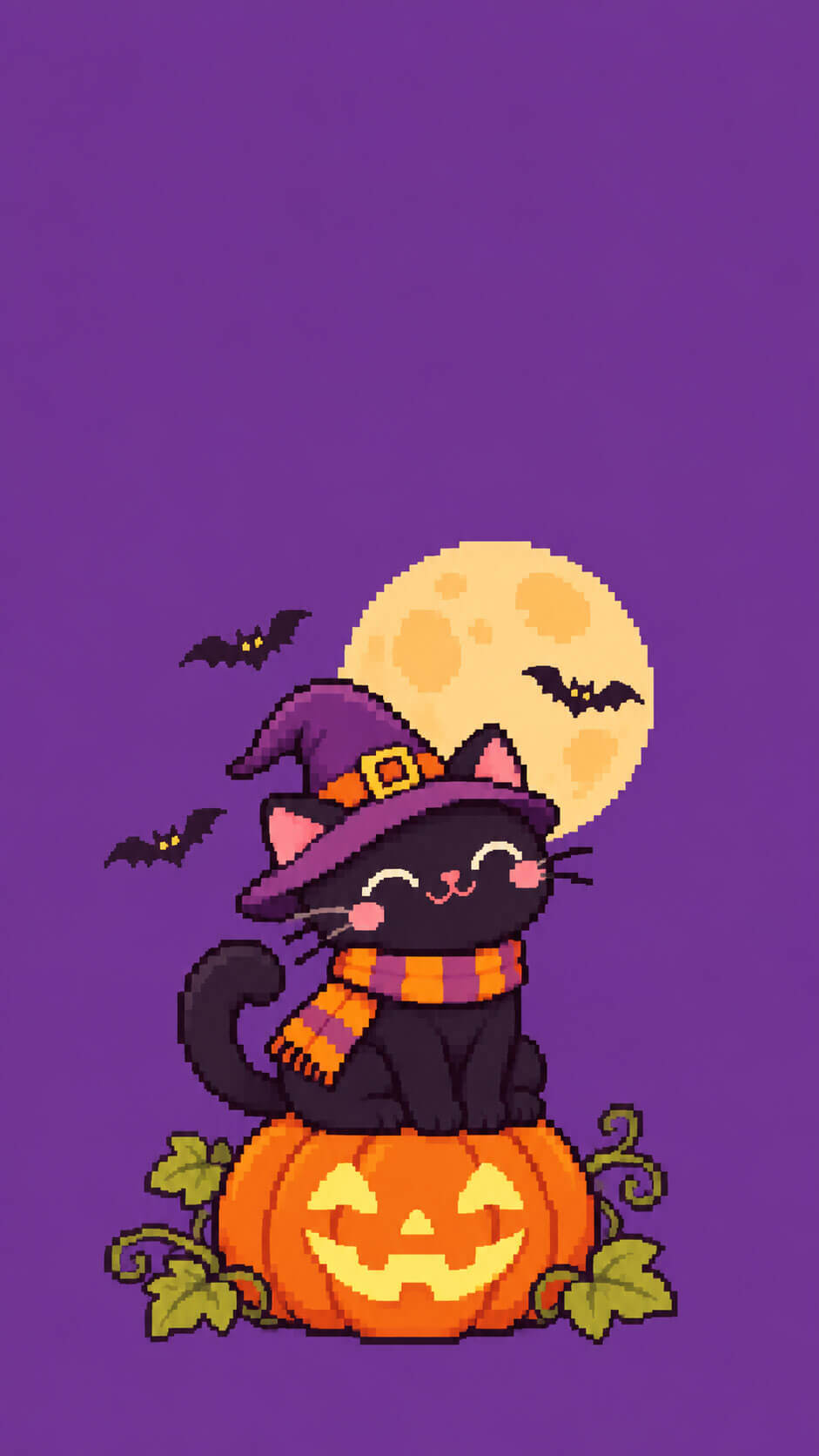
A black cat sits on a carved jack-o’-lantern with bats and a full moon behind it, in a classic purple and orange Halloween palette.
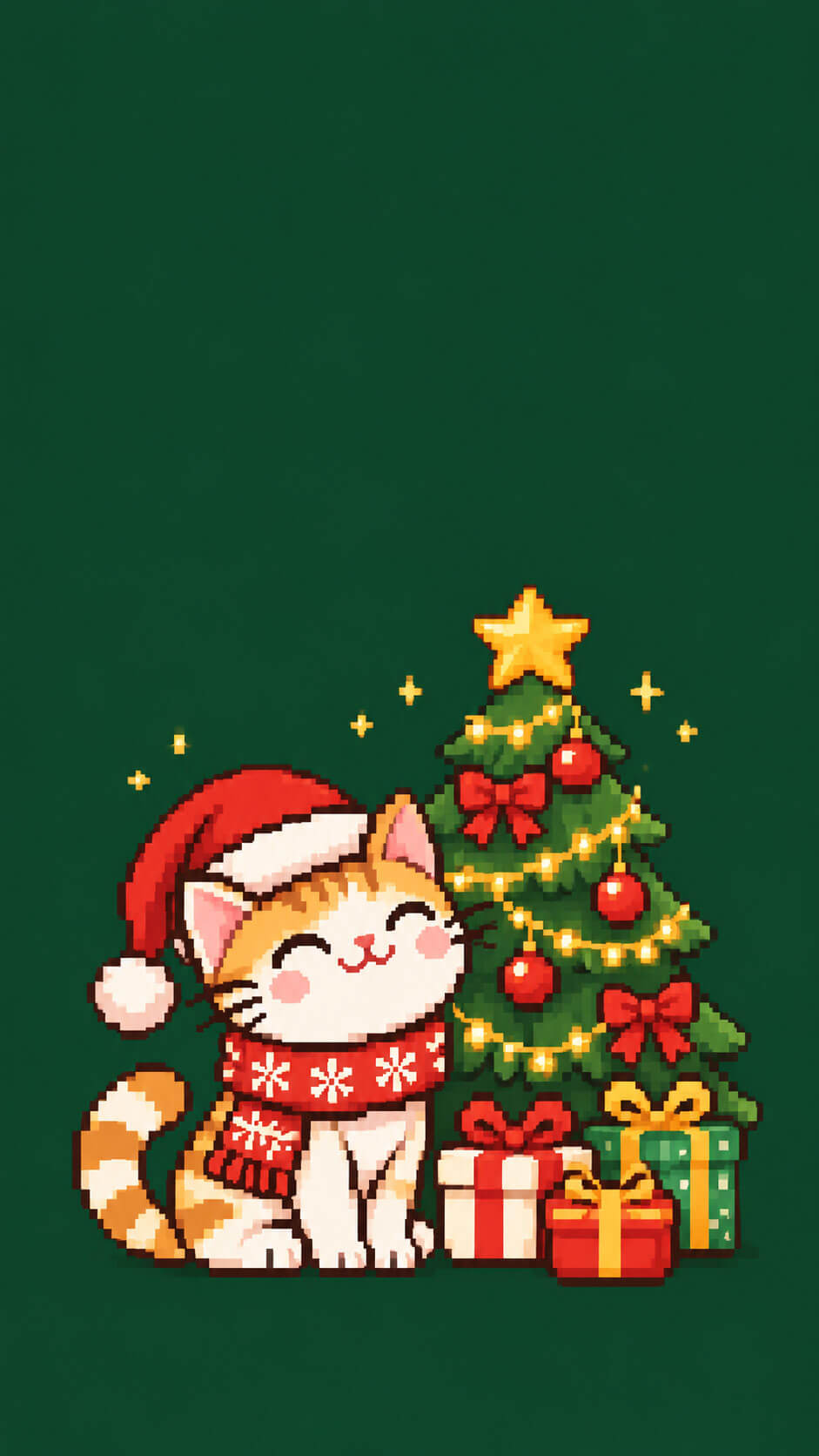
13. Christmas Tree Cat
A cat in a Santa hat sits beside a decorated pixel Christmas tree and a pile of presents. The red, green and gold colors on a dark green background feel warm and festive.
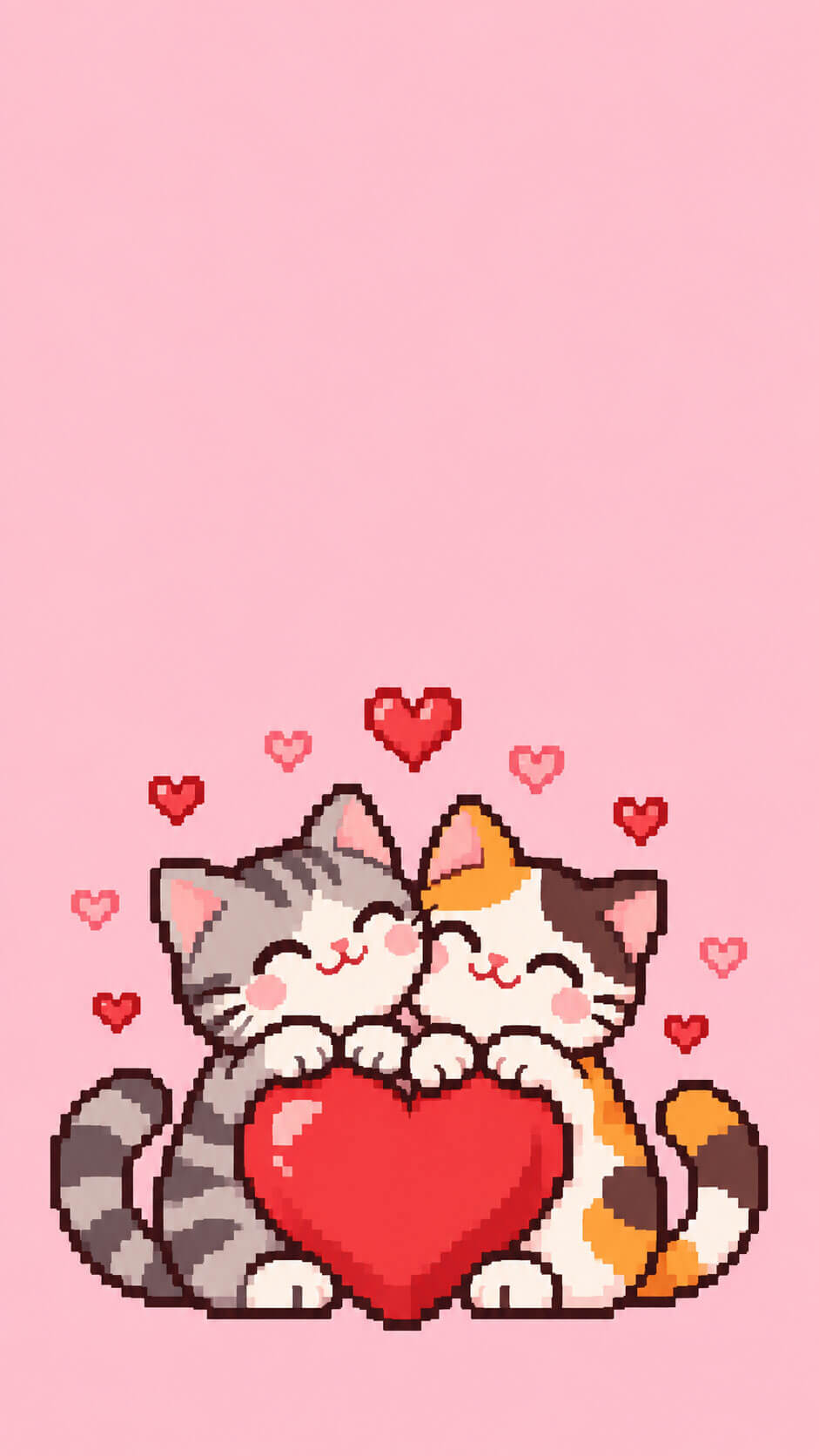
14. Valentine’s Heart Cats
Two cats share one giant red heart while tiny hearts float around them on a pink background. It is also a lovely couple wallpaper for Valentine’s Day or any day.
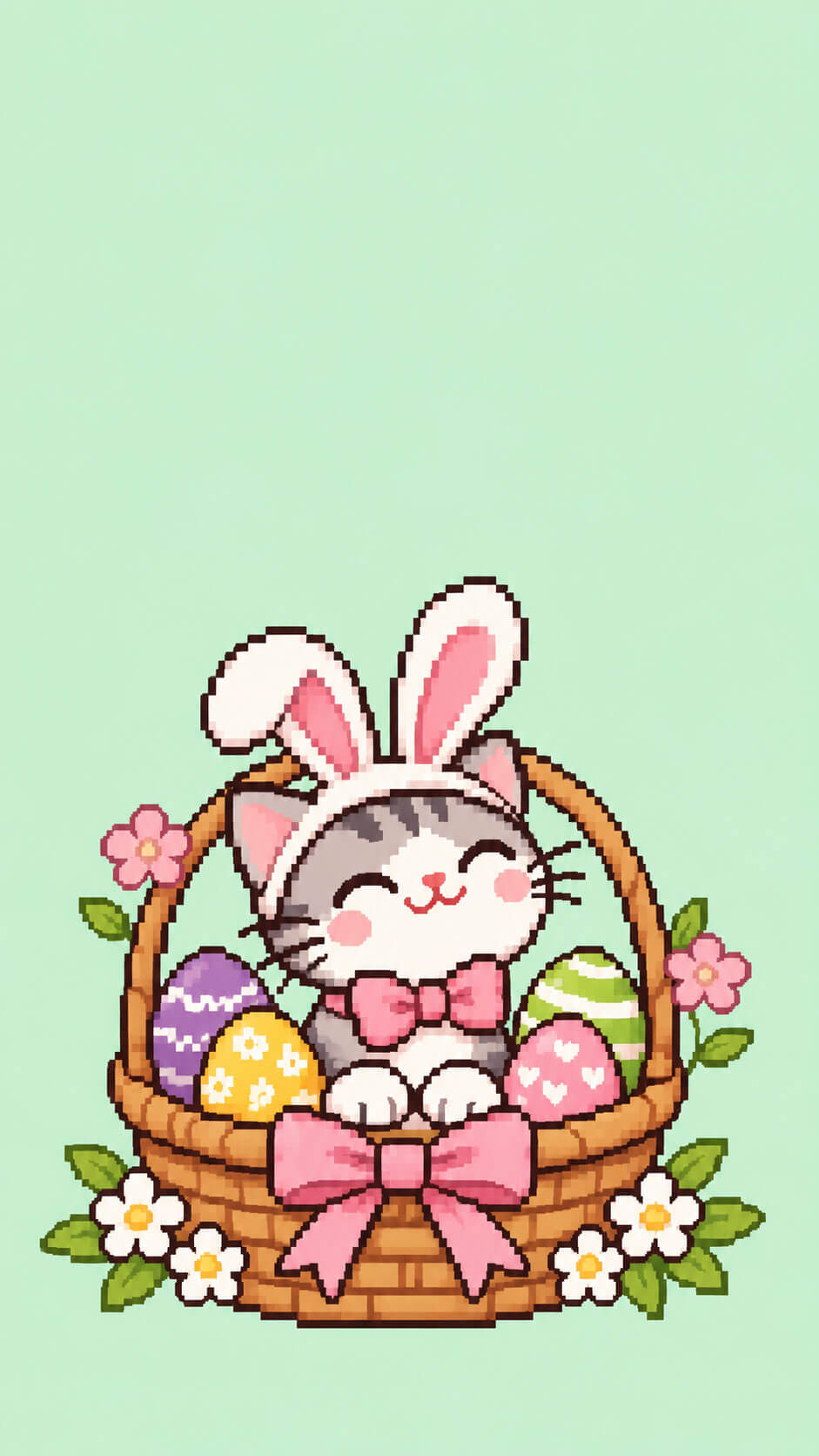
15. Easter Basket Cat
A cat wearing bunny ears sits in a basket of painted eggs, all in soft pastel spring colors.
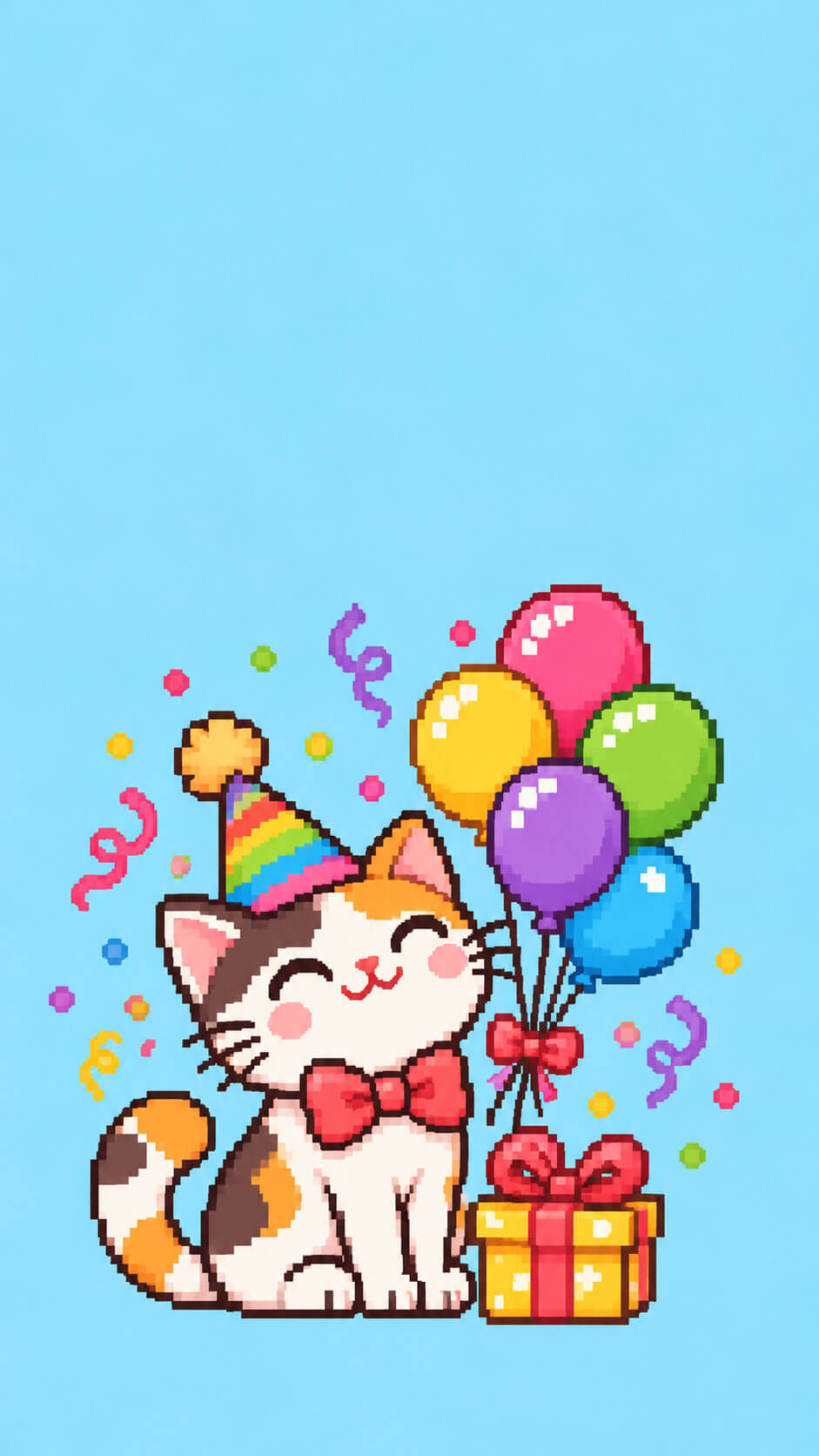
16. Birthday Party Cat
A cat in a party hat is surrounded by balloons, confetti and a small wrapped gift on a light blue background. Use it on your own birthday or send it to a friend who loves cats.
Hobby and Lifestyle Pixel Cat Wallpapers
Your wallpaper can say something about what you love. These six designs celebrate hobbies and cozy routines.
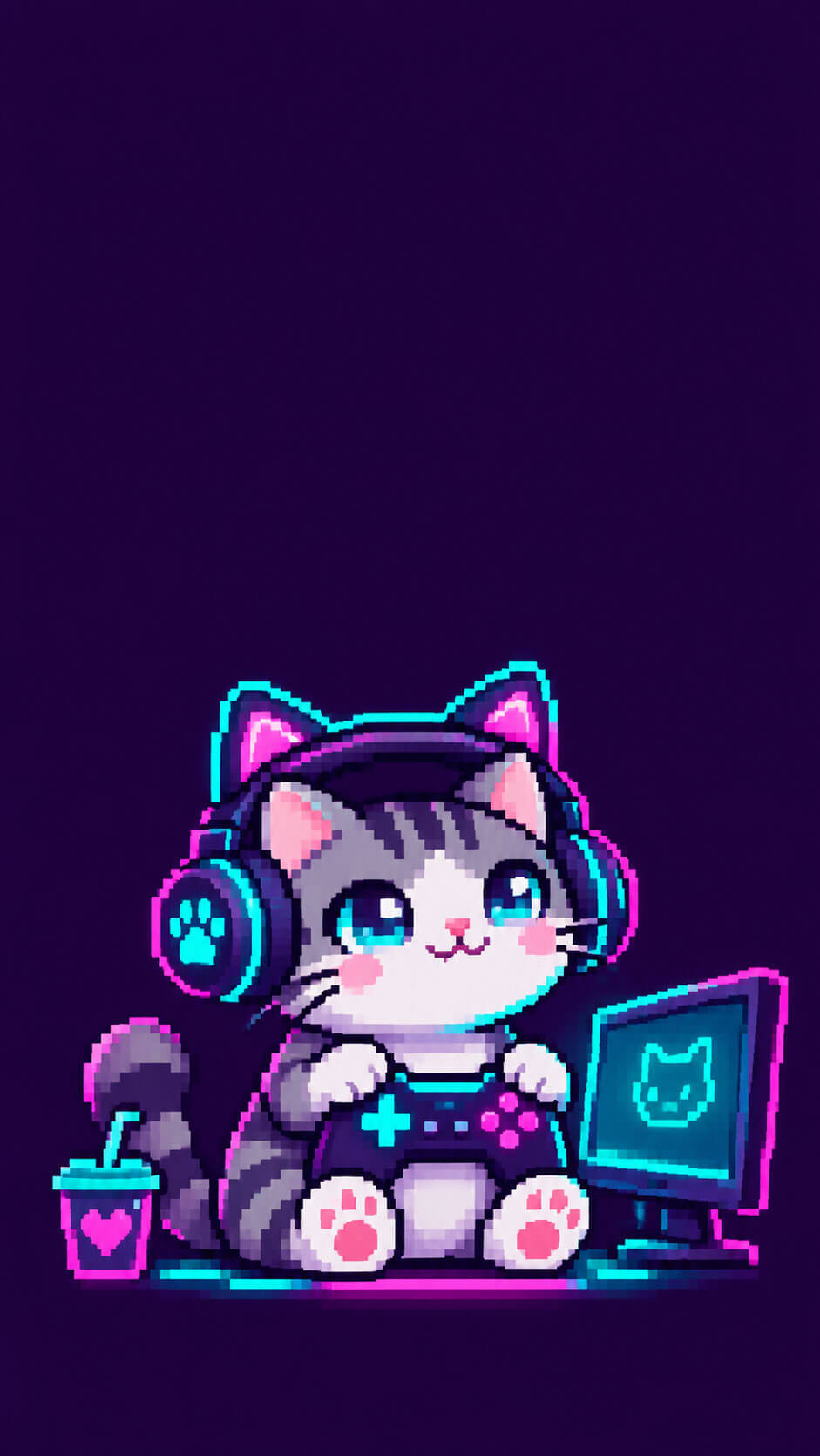
17. Gamer Cat
A cat with headphones holds a game controller while a glowing screen reflects in its eyes. The neon purple and teal palette on a dark background gives it a true retro arcade feel.
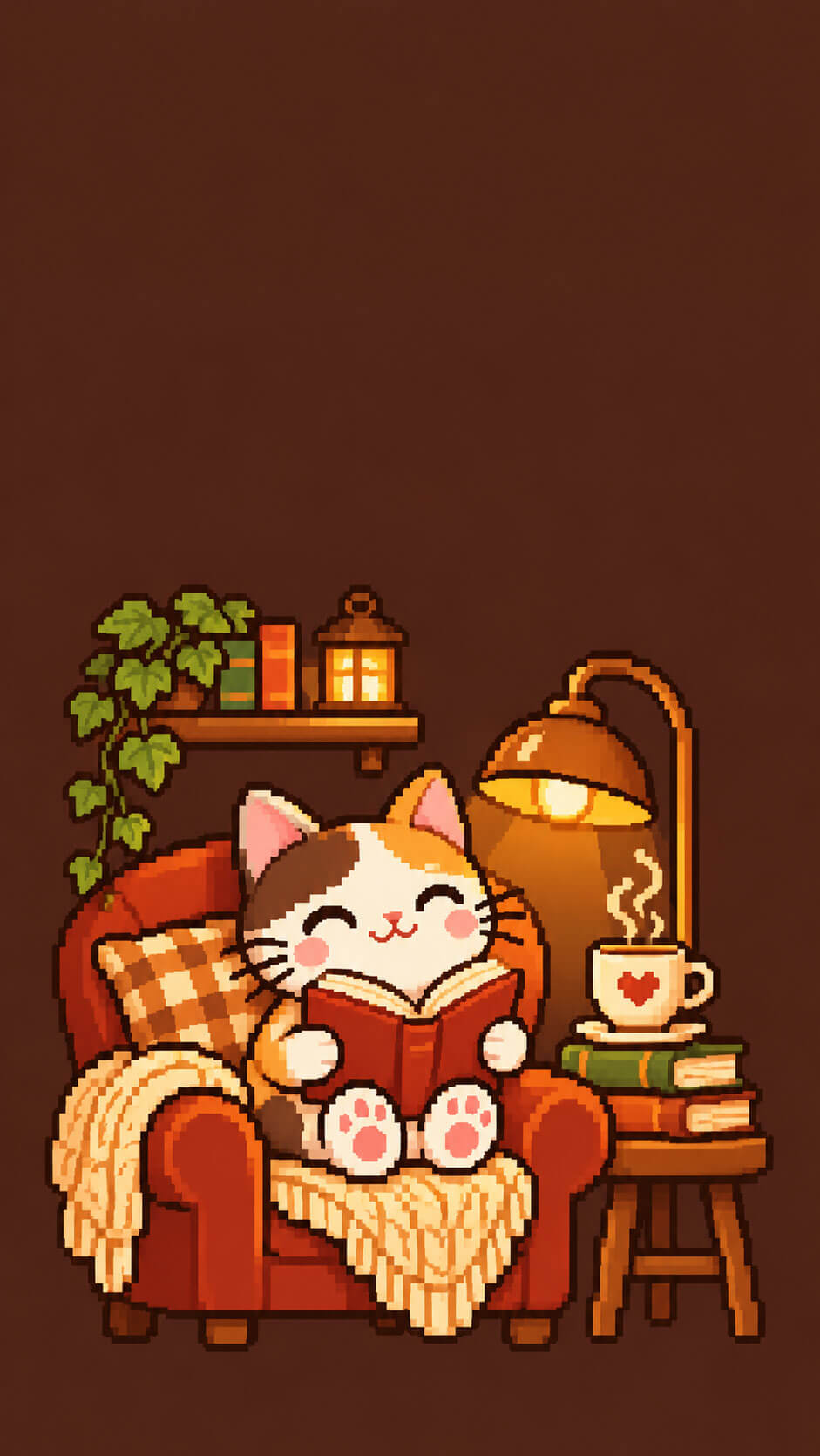
18. Bookworm Cat
A cat reads a book in a cozy armchair with a cup of tea and a stack of books nearby, lit by a warm lamp. It is made for book lovers.
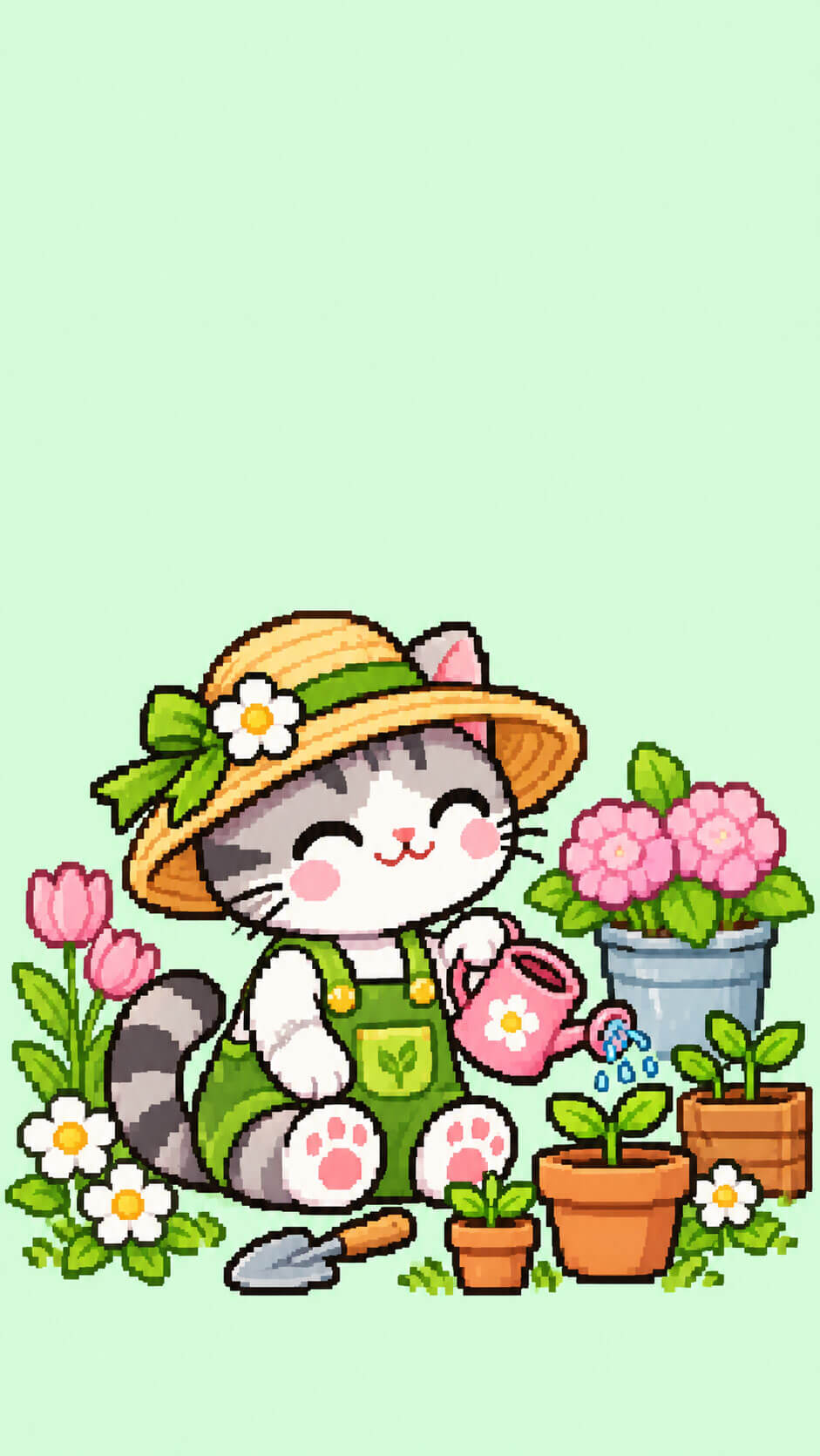
19. Garden Cat
A cat with a tiny watering can tends to sprouting plants and flowers on a light mint background. The fresh greens make it feel calm and hopeful.
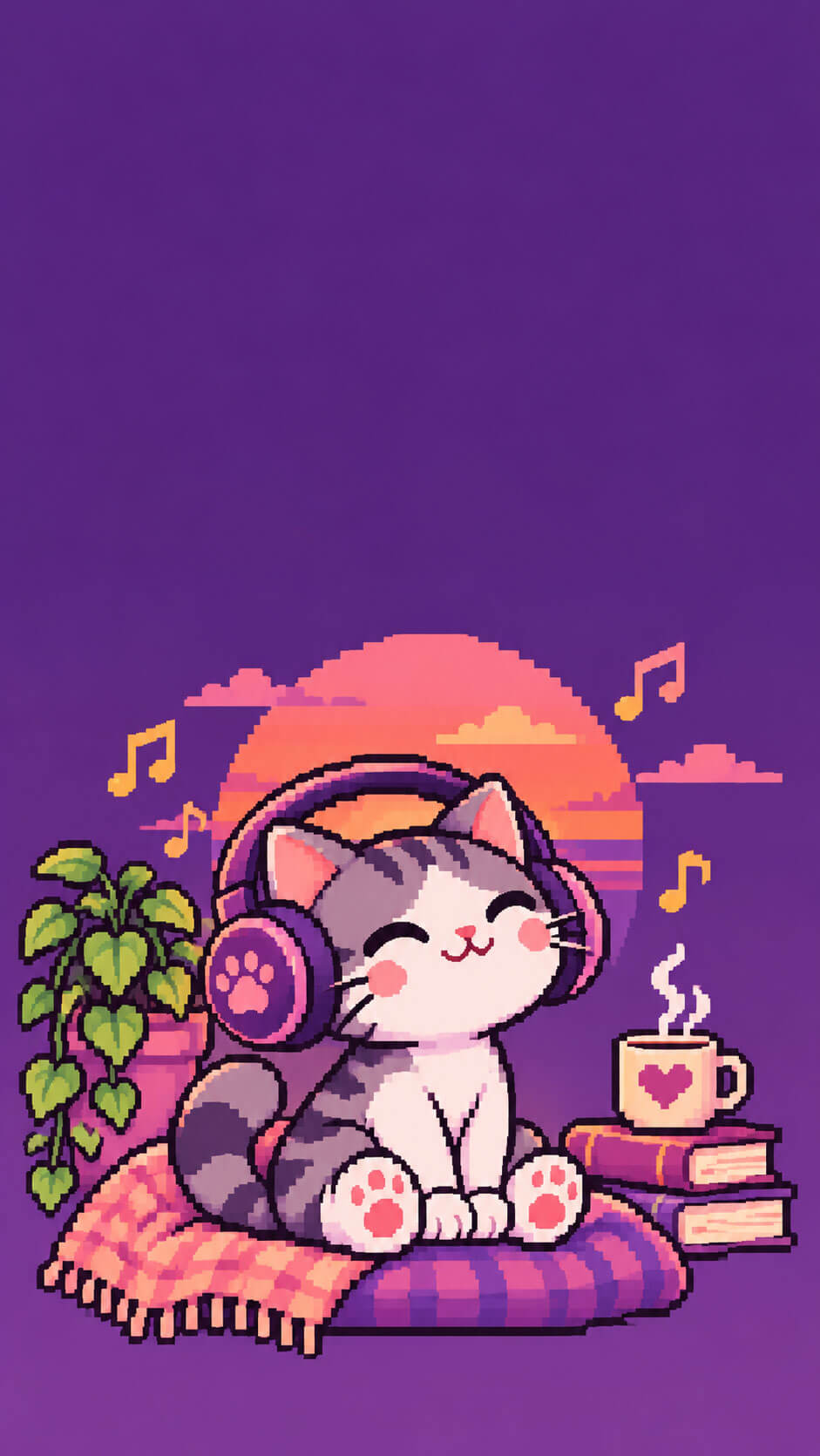
20. Lo-Fi Music Cat
A cat in big headphones listens to music while pixel notes float by, with a purple and pink sunset behind it. It has a relaxed, study-playlist mood.
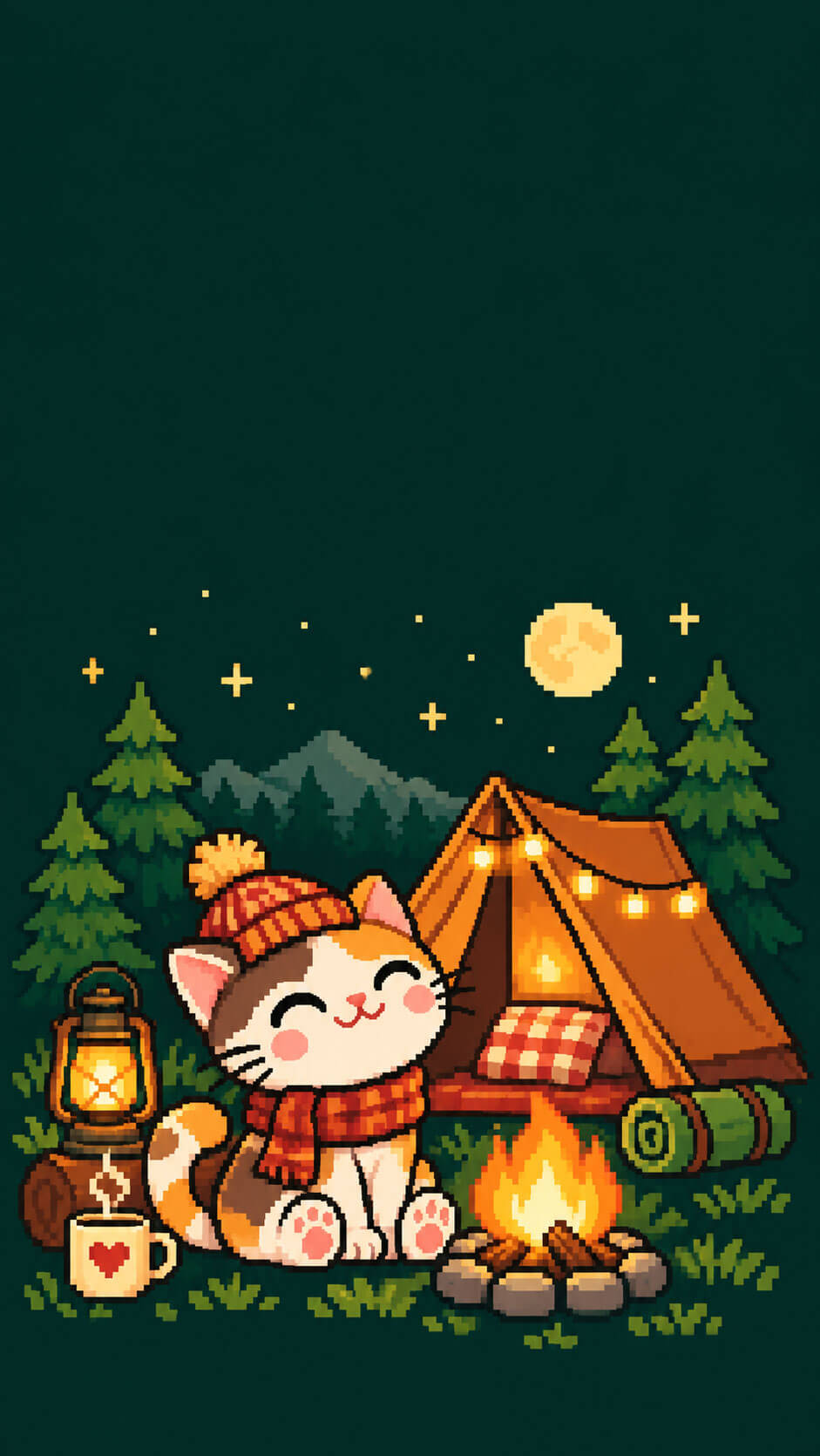
21. Campfire Cat
A cat sits by a small campfire next to a tent, with pine trees and a starry sky behind. The dark green and warm orange tones suit outdoor lovers.
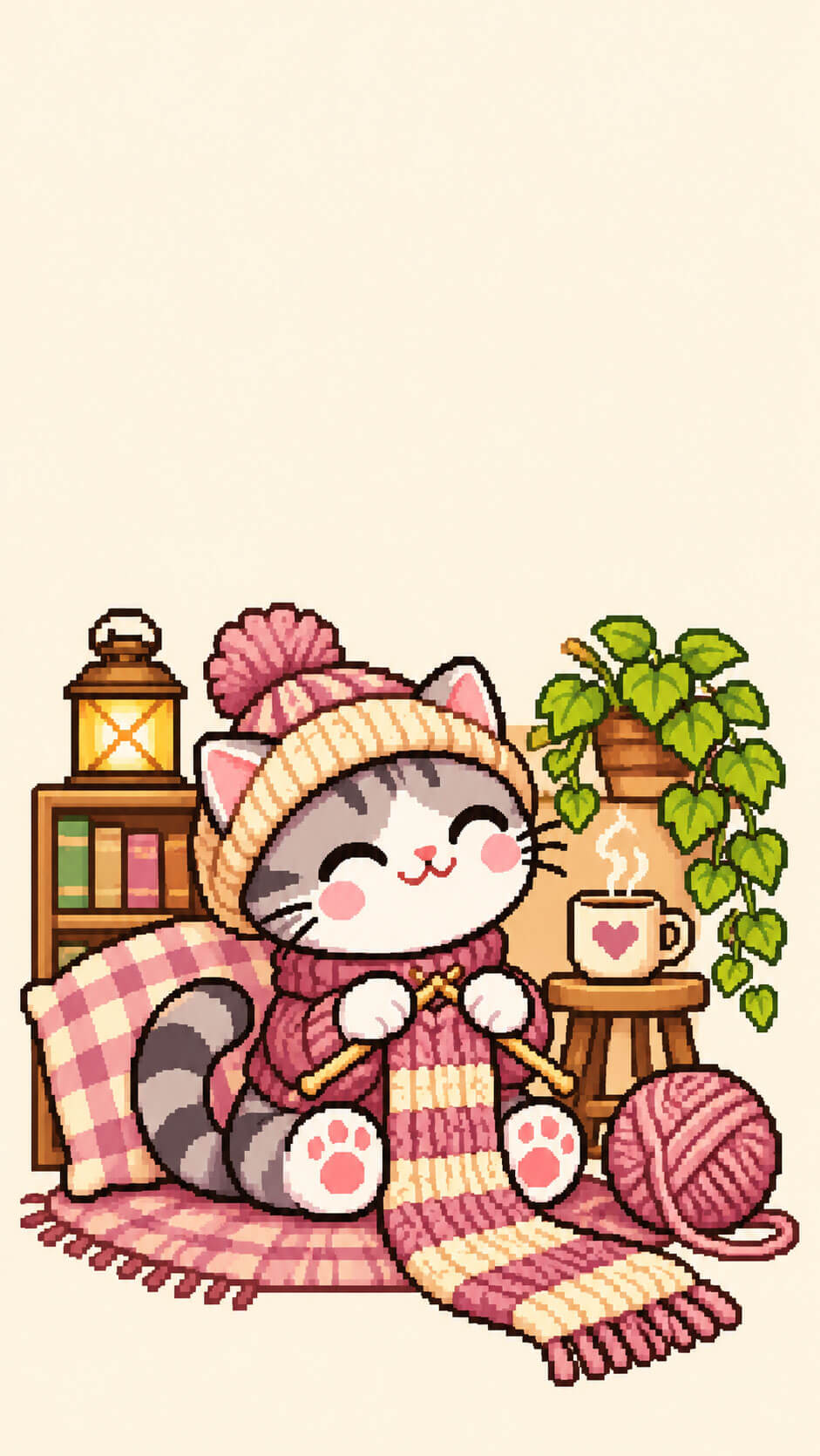
22. Knitting Cat
A cat knits with a ball of yarn while a half-finished scarf trails across the floor, all on a cream background in soft pastels.
Dark and Moody Pixel Cat Wallpapers
Dark wallpapers look sleek, make bright icons stand out and are comfortable to look at at night. On phones with OLED screens, dark pixels also use less power, so they may save a small amount of battery.
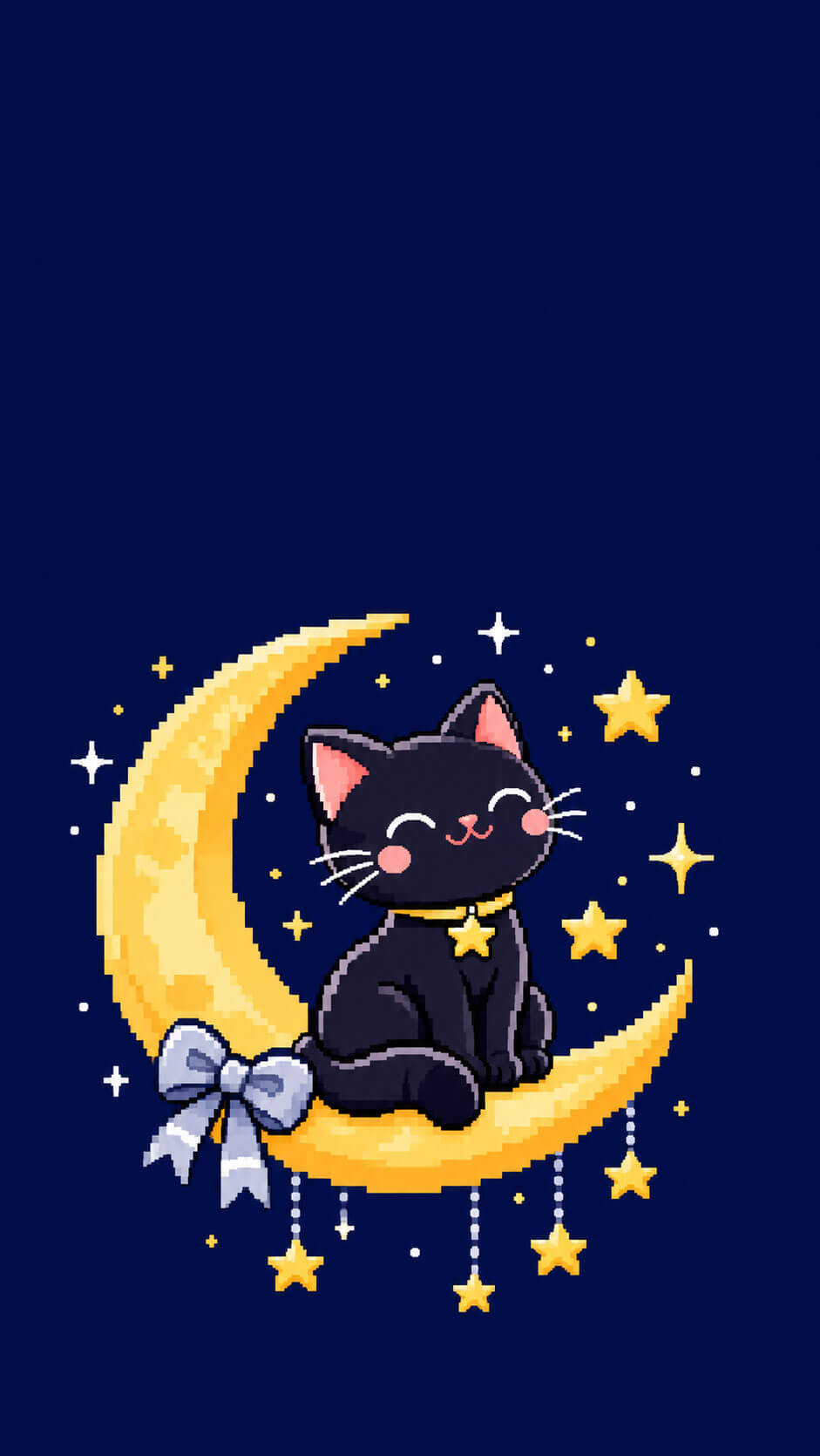
23. Moon Cat
A black cat sits on a crescent moon among twinkling stars on a deep navy background, with silver and yellow accents.
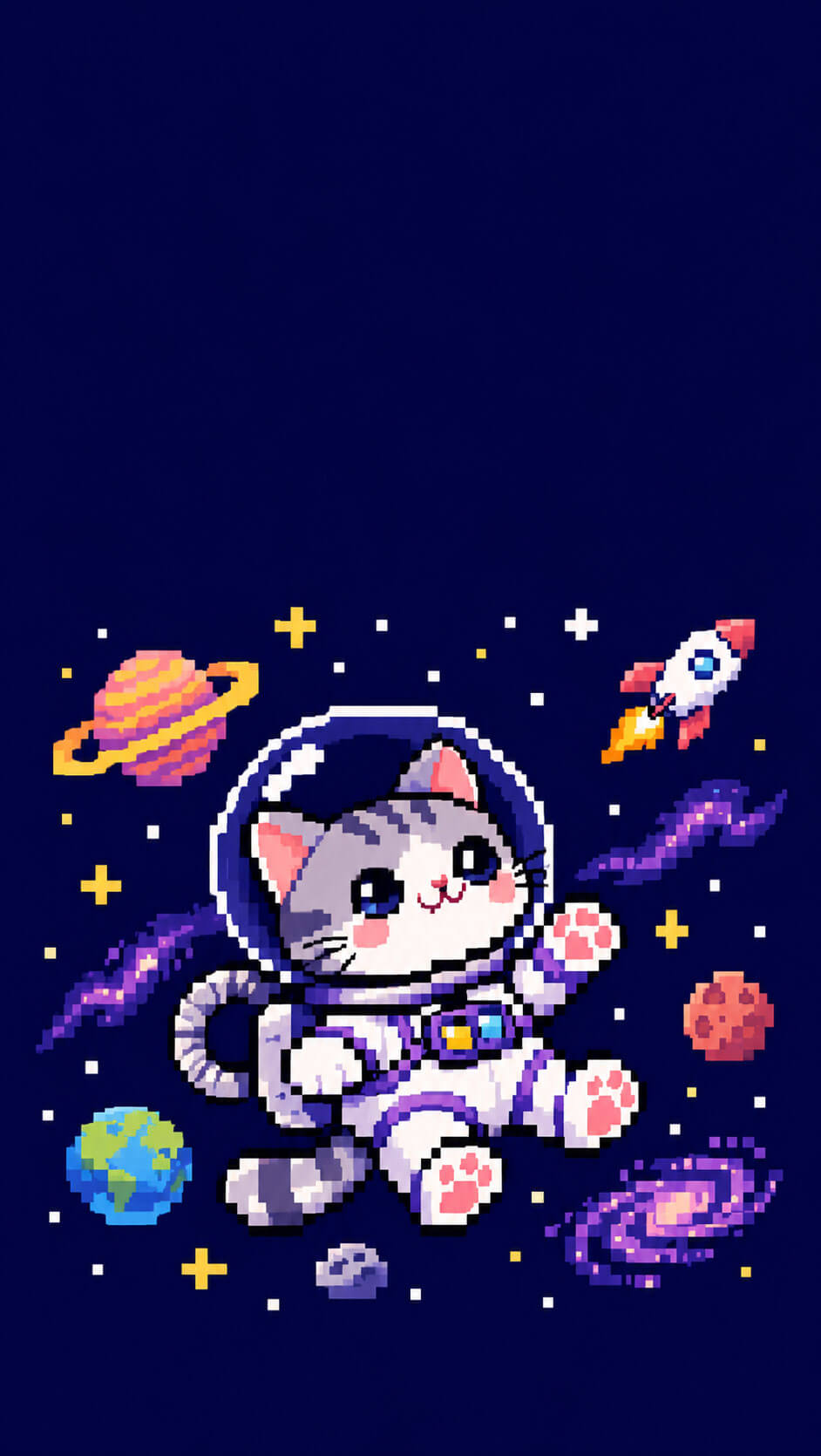
24. Astronaut Cat
A cat in a glass space helmet floats among small planets with a rocket in the distance, in deep blue and purple tones.
25. Cyberpunk Neon Cat
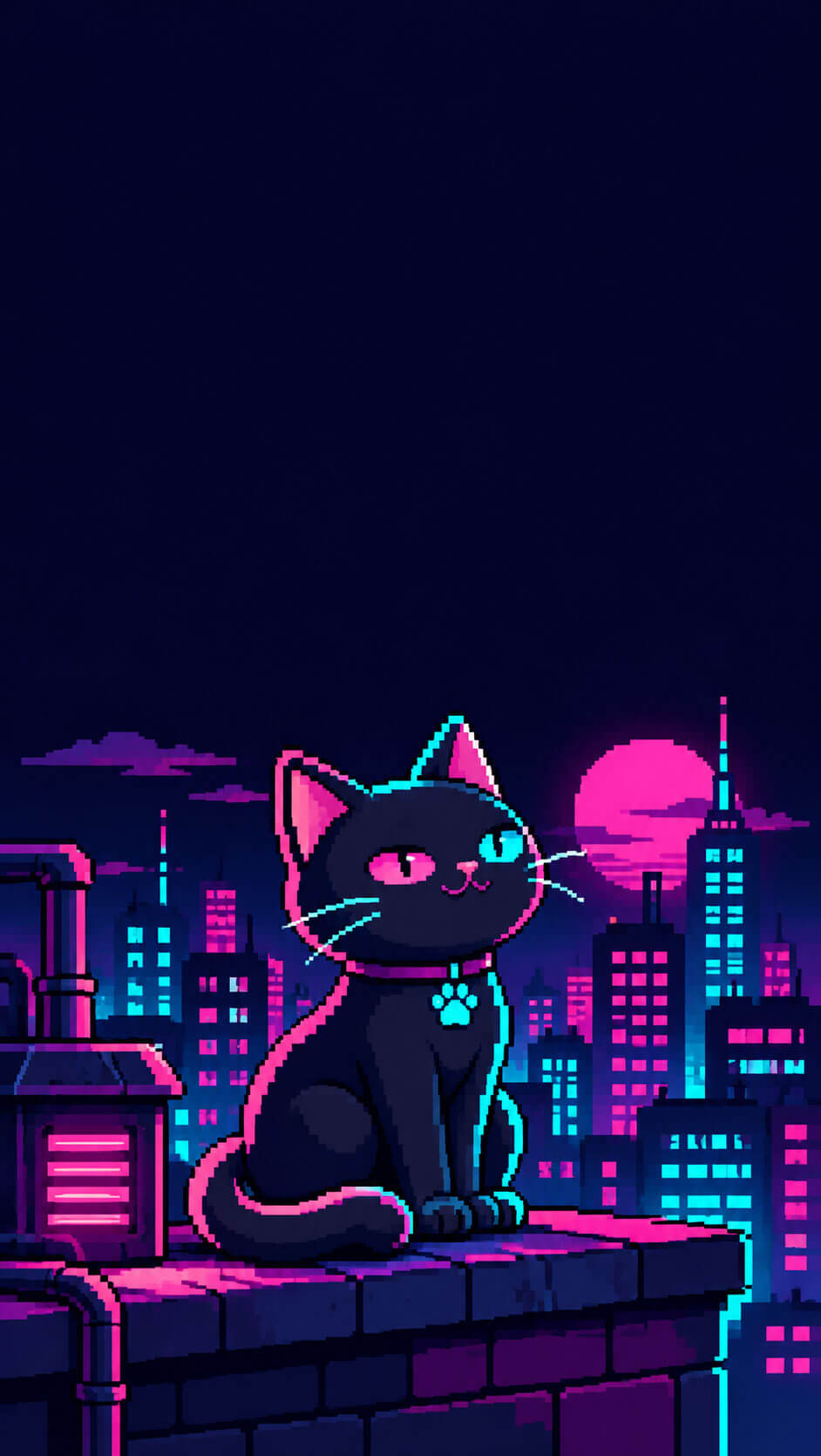
A cat with glowing neon eyes sits on a rooftop in front of a pixel city skyline with lit windows. The magenta and cyan colors on a very dark background look striking on any lock screen.
How to Download and Set Your Wallpaper
Getting your new wallpaper takes only a minute. The main goal is to keep the original file, because resizing, screenshots or sending the image through a chat app can compress it and soften the sharp pixel edges.
Step 1: Save the Image
- On your phone: open the image, press and hold it, and choose “Save Image” or “Download image.”
- On a computer: right-click the image, choose “Save image as,” and send it to your phone with a cloud folder or a cable.
Step 2: Set It on iPhone
- Open the Photos app and select the saved wallpaper.
- Tap the Share button and choose “Use as Wallpaper.”
- Do not pinch to zoom, so the top space for the clock stays empty.
- If the clock overlaps the cat, turn off the depth effect and tap “Done.”
Step 3: Set It on Android
- Open the image in your Gallery or Google Photos app.
- Tap the three-dot menu and choose “Set as wallpaper” (the name can vary slightly by brand).
- Select Lock screen, Home screen or both, and preview before confirming.
Pro tip: Choose a lock screen wallpaper with a clear cat and a calmer one for your home screen, so your app icons stay easy to read. A matching pair of designs from the same color family looks especially polished.
Tips for Choosing the Right Wallpaper
With so many options, it helps to think about how you use your phone. If your home screen is full of widgets and icons, pick a design with a simple, solid background such as the loaf cat, the moon cat or the bow kitten. If you keep your home screen minimal, a more detailed scene like the campfire cat or the cyberpunk cat will add personality without feeling crowded.
Colors matter too. Pastel wallpapers pair well with light-mode phones and soft icon packs, while dark wallpapers look best in dark mode. You can also coordinate your wallpaper with your accessories: a pastel aesthetic phone case goes nicely with the cute and cozy designs, and a clear case keeps the focus on the wallpaper when you flip your phone over.
If you like to see every pixel at its sharpest, a matte tempered glass screen protector can reduce glare, although it may soften the image slightly, so a clear one is better if crispness is your top priority. For a bit of extra fun, a cute phone grip in a color from your wallpaper makes the whole phone feel like one matching set.
Common Mistakes to Avoid
The most common mistake is using a screenshot or a compressed copy instead of the original file. This makes the edges look fuzzy and the colors a little dull. Always download the file directly and set it from your gallery.
The second mistake is zooming or moving the image too much while setting it. Pixel art looks best at its original proportions, and extra zoom can push the cat into the area where the clock appears. Finally, avoid applying filters or auto-enhance features from your gallery, because they can change the flat colors that give pixel art its clean look.
Make Your Own Pixel Cat Wallpaper
Once you have a favorite style, you may want to design your own. The good news is that pixel art is beginner friendly, because you only need a small canvas and a handful of colors. Start with a canvas around 270×480 px, which is exactly one quarter of 1080×1920, and draw your cat in the lower-middle part of the screen.
Limit yourself to eight to sixteen colors, use a solid background and keep the top third empty. When you finish, enlarge the image by a whole-number multiple, such as four times, using nearest-neighbor scaling. This keeps every pixel as a sharp square instead of blurring the edges. Many free pixel art editors and image tools offer this option.
You can draw with your finger, but a drawing tablet for pixel art or a capacitive stylus pen gives you more control over tiny details. Try recreating one of the designs above with your own twist, such as a different fur color, a favorite hobby or your own pet.
Frequently Asked Questions
What size are these pixel cat phone wallpapers?
Each wallpaper is made at 1080×1920 px (9:16), which fits most iPhones and Android phones. Newer phones are slightly taller, so a small part of the top and bottom may be cropped, but the main cat stays centered and visible.
Why does my pixel wallpaper look blurry?
Blurriness usually comes from a compressed copy, such as a screenshot or a photo sent through a messaging app. Download the original file, do not resize it, and set it directly from your gallery to keep the pixels sharp.
How do I stop the lock screen clock from covering the cat?
Every design leaves the top third of the image empty for the clock and widgets. When you set the wallpaper, avoid zooming in, and on newer iPhones turn off the depth effect if the clock overlaps the cat.
Will these wallpapers work on both iPhone and Android?
Yes. The files are standard vertical images, so you can set them as a lock screen or home screen wallpaper on any modern iPhone or Android phone, and also on most tablets in portrait mode.
Do dark pixel wallpapers save battery?
On phones with OLED screens, dark pixels use less power than bright ones, so a dark wallpaper may save a small amount of battery. The difference is modest, so choose a design you enjoy looking at.
Can I make my own pixel cat wallpaper?
Yes. Draw on a small canvas such as 270×480 px with a pixel art editor, keep the palette to eight to sixteen colors, and enlarge it by a whole-number multiple with nearest-neighbor scaling so the pixels stay crisp.
Can I use the wallpapers as a matching pair with a friend or partner?
Yes. Designs with two cats, such as the heart tail duo and the Valentine’s heart cats, work nicely as matching wallpapers. Each person can set the same image, or you can each crop to one cat on your own phone.
Final Thoughts
A small change like a new wallpaper can brighten your day every time you pick up your phone. With 25 pixel cat designs across cozy, seasonal, holiday, hobby and dark themes, there is something for every taste and every time of year. Choose a favorite, download the original 1080×1920 file, and set it without zooming so the pixels stay sharp and the clock has room to breathe.
Bookmark this collection and come back whenever the seasons change or you want a fresh look. Whether you pick a sleepy loaf cat for a calm morning or a neon cyberpunk cat for a late-night mood, your phone will feel a little more like yours.


